
Stats & Logo Section Templates
3 free, editable stats & logos section templates. Social-proof numbers and customer logo strips. Change the text, images, colours and fonts in your browser, add a GSAP animation, then export HTML, React or Vue.

Stats & Logo Section Templates
3 sections · Responsive · GSAP animation · HTML, React & Vue
About these sections
Stats & Logo Section Templates
Numbers and logos are the quickest kind of social proof: "12,000+ teams" and a row of familiar company names tell visitors your product is real and widely used before they read anything else.
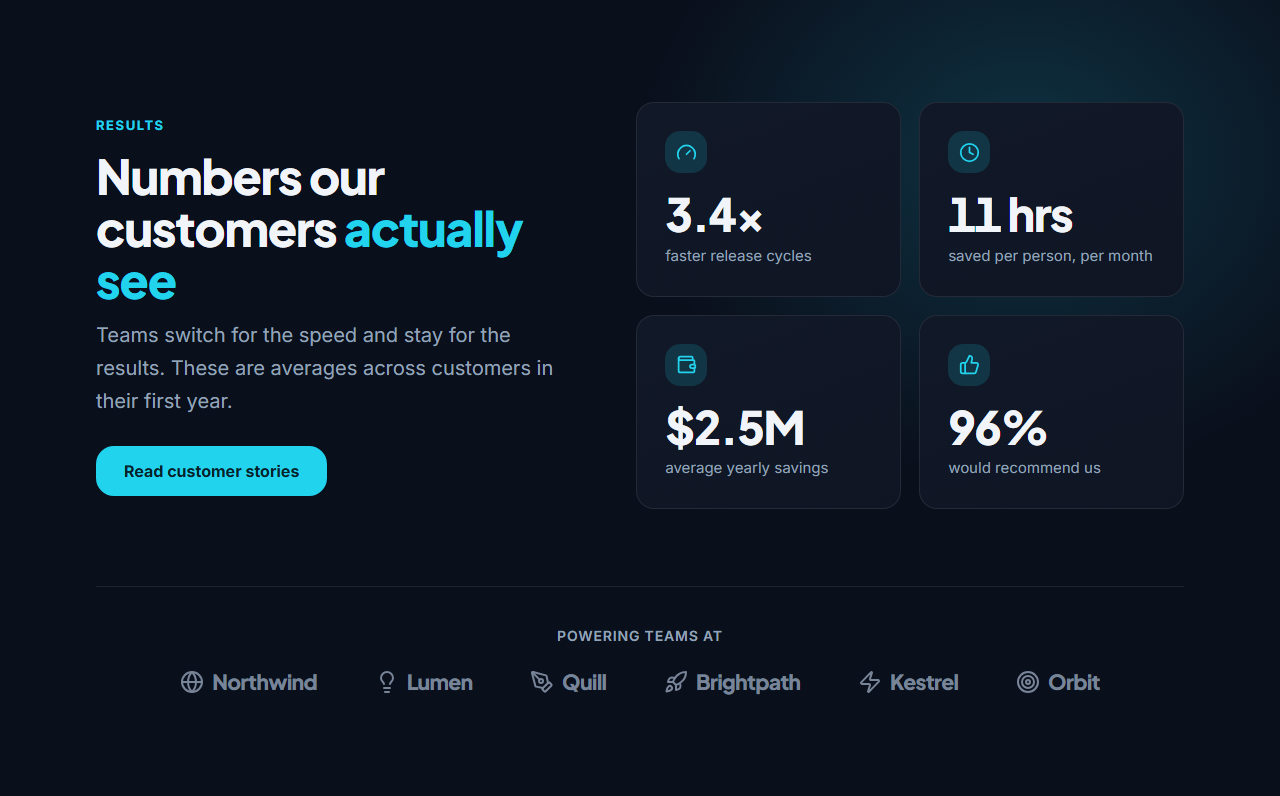
Animated Stats Counters shows up to six key figures that count up as they scroll into view. The Scrolling Logo Cloud is a slim "Trusted by" strip of customer logos that loops endlessly and pauses on hover. Stats With Logos combines both on a dark background: a heading and button, four counting stat cards with icons, and a logo row.
The counters keep any format ($2.5M, 99.9%, 4.9/5) and leave the real values in the HTML for search engines. Logos start as icon-and-name wordmarks and can be replaced with uploaded SVG or PNG files. Everything animates with GSAP, respects reduced motion and exports to HTML, React or Vue.
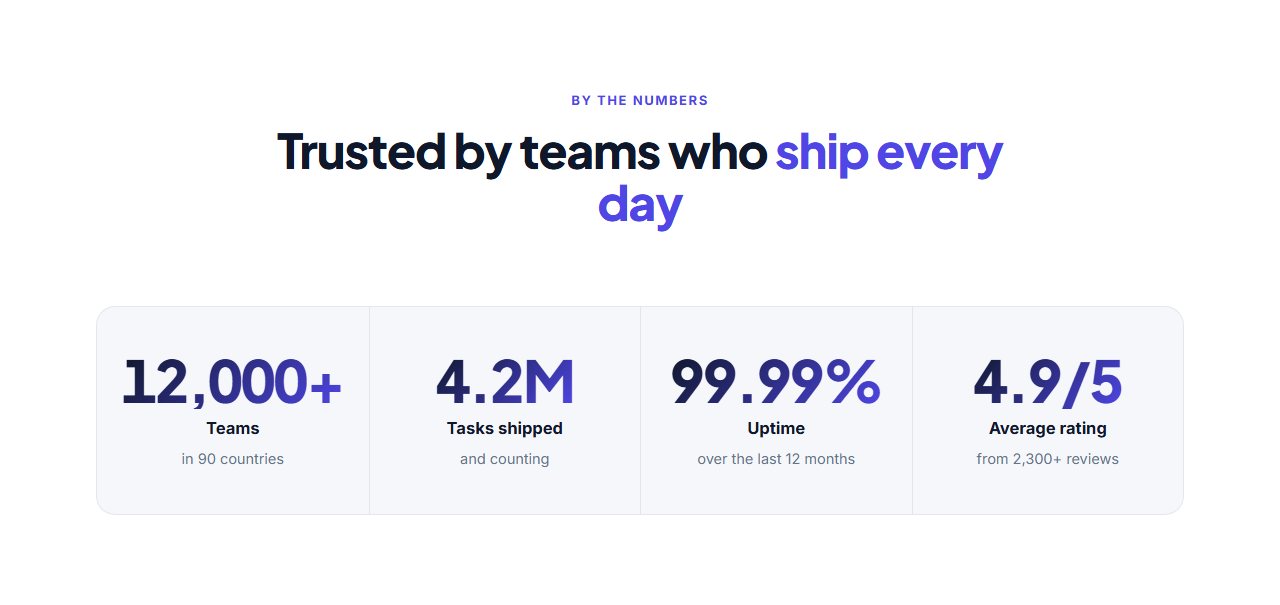
Animated Stats Counters: A row of key numbers that count up from zero as the section scrolls into view, under a centred heading. Each stat has a big value (prefixes, suffixes, commas and decimals all supported), a label and an optional short note, separated by thin dividers.
Scrolling Logo Cloud: A slim “Trusted by” strip: a short line of text above a row of customer logos that scrolls endlessly with soft fades at both edges and pauses on hover. Logos are grey until hovered. Upload real logos, or use the built-in icon-and-name marks until you have them.
Stats With Logos (Dark): A dark “results” section: on the left a heading, short text and a button; on the right four stat cards with icons whose numbers count up as they scroll into view; underneath, a row of customer logos. It packs proof, scale and credibility into one block.
Browse other categories
More Section Categories
| Category | What it is for | Sections | Includes |
|---|---|---|---|
| Hero | Above-the-fold hero sections with a headline, supporting text, call-to-action buttons and an image, screenshot or background photo. | 6 | SaaS Split Hero, Centred Gradient Hero, Image Background Hero, App Product Hero, Personal Portfolio Hero, Terminal Hero |
| Navbar | Responsive navigation bars with a logo, links and a call-to-action button. | 6 | Simple Sticky Navbar, Floating Pill Navbar, Navbar With Announcement Bar, Ecommerce Mega Menu — Link Columns, Ecommerce Mega Menu — Image Tiles, Ecommerce Mega Menu — Department Sidebar |
| Features | Feature grids, alternating image-and-text rows and benefit lists. | 5 | Icon Grid Features, Split Features With Image, Bento Grid Features, Alternating Feature Rows, How It Works Steps |
| Pricing | Pricing tables and plan cards with highlighted plans and feature lists. | 5 | Three-Tier Pricing, Dark Glow Pricing, Single Plan Pricing, Pricing List Rows, Pricing Comparison Table |
| Testimonials | Customer quotes, review walls and case-study highlights. | 6 | Testimonial Wall, Testimonial Carousel, Testimonial Marquee, Testimonial Spotlight, Case Study Showcase, Reviews Summary & Rating |
| FAQ | Frequently asked question sections with expandable answers. | 3 | FAQ Accordion, Split FAQ With Contact Card, FAQ Grid |
| Call to action | Closing call-to-action banners and sign-up blocks. | 5 | Gradient CTA Banner, Split CTA With Image, Newsletter Signup CTA, CTA Strip, Loyalty Stamp Card |
| Team | Team grids with photos, names and roles. | 4 | Team Grid, Team Carousel, Interactive Team Accordion, Team With Hiring CTA |
| About us | About us and our story sections: a picture, the story, the founder, key facts and company values. | 1 | About Us & Our Story |
| Contact | Contact sections with details, maps and forms. | 6 | Contact Form With Details, Contact Options Cards, Contact With Map, Booking Request Form, Opening Hours & Location, Service Area Checker |
| Forms | Forms for every job: contact, multi-step, quote request, survey, application, RSVP, support, donation, waitlist and code verification, with floating labels, selects, switches, ratings, steppers and file drop areas. | 13 | Centered Contact Form, Floating Label Form, Multi-Step Form, Quote Request Form, Feedback Survey Form, Job Application Form, Event RSVP Form, Support Ticket Form, Donation Form, Waitlist Form, Verification Code Form, Profile & Preferences Form, Form With Image |
| Blog | Blog and article grids with cover images. | 6 | Blog Post Cards, Featured Post With List, Editorial Post List, Legal & Long-Form Text Page, Blog Post Page (Single Article), Blog Grid with Pagination |
| Gallery & media | Photo galleries with filters and a lightbox, video sections and before-and-after sliders. | 3 | Filterable Image Gallery, Video Section with Poster, Before & After Slider |
| Scroll effects | Scroll-driven sections built with GSAP: horizontal scroll galleries, pinned scroll stories and stacking cards. | 6 | Horizontal Scroll Gallery, Pinned Scroll Story, Stacking Cards, Scroll Path Timeline, 3D Scroll Carousel, Scroll Zoom Image Stack (Ken Burns) |
| Menus & listings | Industry sections: restaurant menus with prices, property listings and class timetables. | 12 | Shop the Look, Collection Tiles, Services & Booking List, Restaurant Menu, Property Listings, Product Grid, Product Detail Page, Product Listing with Filters, You Might Also Like (Product Strip), Class Timetable, Project Cards, Price Estimator |
| Music | Sections for bands, artists and labels: a music hero, an audio player with a track list, tour dates with tickets, a discography grid, a release countdown and streaming links. | 6 | Music Artist Hero, Audio Player & Track List, Tour Dates & Tickets, Discography Grid, New Release Spotlight, Streaming Links Bar |
| Login & Sign up | Login and register screens with email and password, social sign-in buttons, show password and a password strength hint. | 2 | Login Form (Sign In Page), Register Form (Sign Up Page) |
| Cart, checkout & orders | The pages after Add to cart: cart page with promo code and shipping, checkout with order-by-message or payment link, order confirmation, order history and a wishlist. | 5 | Cart Page, Checkout Page, Order Confirmation (Thank You), Order History (My Orders), Wishlist Page |
| Popups | Popups that open after a delay, on exit intent or on scroll, for sign-ups, offers and announcements. | 1 | Popup & Promo Modal |
| Accessibility | Floating accessibility toolbars that let visitors enlarge text, change contrast, hide images, pause animations and more. | 1 | Accessibility Toolbar Widget |
| Cursor & page effects | Page-wide effects that take no space in the layout: cursor followers that invert what is under them, floating back-to-top buttons and a slide-in cart drawer. | 3 | Cursor Follower (Blend Mode Circle), Back to Top Button, Cart Drawer (Mini Cart) |
| Timelines | Timelines for company history, roadmaps and milestones, laid out along a scrollable line. | 2 | Vertical Timeline, Horizontal Timeline |
| Social share | Floating social share bars that take no space in the layout, with share buttons for the popular networks. | 1 | Floating Social Share Bar |
| Footer | Website footers with link columns, newsletter sign-up and social links. | 4 | Multi-Column Footer, Big Wordmark Footer, Footer With Newsletter, Minimal Footer |
Real-world uses
Best Uses for Stats & logos Sections
How it’s different
How These Section Templates Are Different
Step by step
How to Use
- 1Pick a sectionOpen one of the stats & logos sections above. Your edits autosave in your browser as you go.
- 2Edit the contentChange the text, buttons, links and images in the panel, and switch optional parts on or off.
- 3Add your brandPick colours, fonts, radius and width, or apply your saved brand kit; every section shares the same theme.
- 4Animate and previewChoose a GSAP entrance effect, press Play animation, and check desktop, tablet and mobile.
- 5ExportDownload HTML or a ZIP, copy a React or Vue component, or fork it into My Code.
Got questions?
Frequently Asked Questions
Directly under the hero is the most common place, because it backs up the headline immediately. Stats also work well near pricing, and logos near the final call to action.
Not these. The final numbers are in the HTML; the count-up only runs in the browser when the numbers come into view, then restores the exact text.
Usually yes. Check your customer agreements or ask before showing a company’s logo. The built-in wordmarks keep the section looking finished in the meantime.
Animated Stats Counters: A row of key numbers that count up from zero as the section scrolls into view, under a centred heading. Each stat has a big value (prefixes, suffixes, commas and decimals all supported), a label and an optional short note, separated by thin dividers. Scrolling Logo Cloud: A slim “Trusted by” strip: a short line of text above a row of customer logos that scrolls endlessly with soft fades at both edges and pauses on hover. Logos are grey until hovered. Upload real logos, or use the built-in icon-and-name marks until you have them. Stats With Logos (Dark): A dark “results” section: on the left a heading, short text and a button; on the right four stat cards with icons whose numbers count up as they scroll into view; underneath, a row of customer logos. It packs proof, scale and credibility into one block.
Yes. Every section is free for personal and commercial work, with no account, no watermark and no attribution: export it on its own as HTML, React, Vue or Next.js from its page, or use it in a website you build and export in the Website Builder.